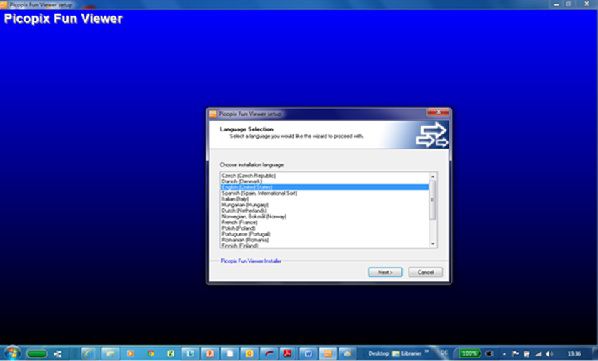
Double click on PicoPix Fun Viewer to start the installation.
Philips Support
How do I project the screen of my Windows laptop with the Philips PicoPix 2330/2340 ?
Published on 2021-07-11
In order to view your computer screen on your PicoPix you must download and install the PicoPix Fun Viewer software.
(The PicoPix Fun Viewer is saved in the internal memory , or you can download it from support website).
-
-
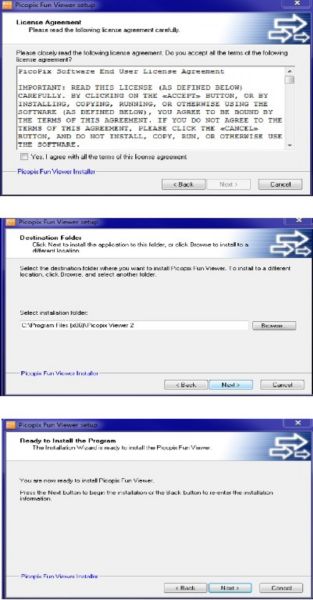
Follow the on screen installation. steps.
-
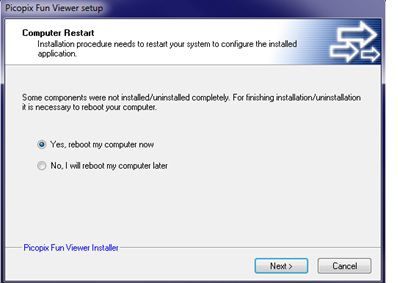
Reboot the computer once completed.
-
Launch the “PicoPix Fun Viewer” App
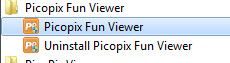
Double-clicking on the ““PicoPix Fun Viewer”” icon on the desktop or you can go to Start Menu -> All the programs -> PicoPix viewer
-
Once running select the mode and brightness you want to use and click OK.
To cease using the projector please exit the program from the task bar.
-
The Fun Viewer software is compatible with Windows Xp/Vista/7/8
Contact Philips
We are happy to help you


