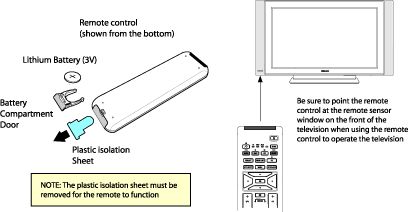
- Replace the existing batteries with new ones.
- Ensure the batteries are inserted according to the illustration in the battery compartment.
Philips Support
The menu fails to appear on my Philips TV despite pressing the 'MENU' button on the remote control
Published on 2016-12-29
Check the remote control:
-
-
- Randomly test some other functions of the remote control on the television and ensure that the television responds by flashing the LED light.
-
- Press the [Menu] button and if the menu is displayed, the television is operating normally.
- If the menu is not displayed, press the [Volume (+)] and [Volume (-)] buttons on the television simultaneously for 5 seconds or the [Menu] button on the television.
- If the menu is displayed now, it appears that the remote control is defective.
Contact Philips
We are happy to help you


